
VIP member
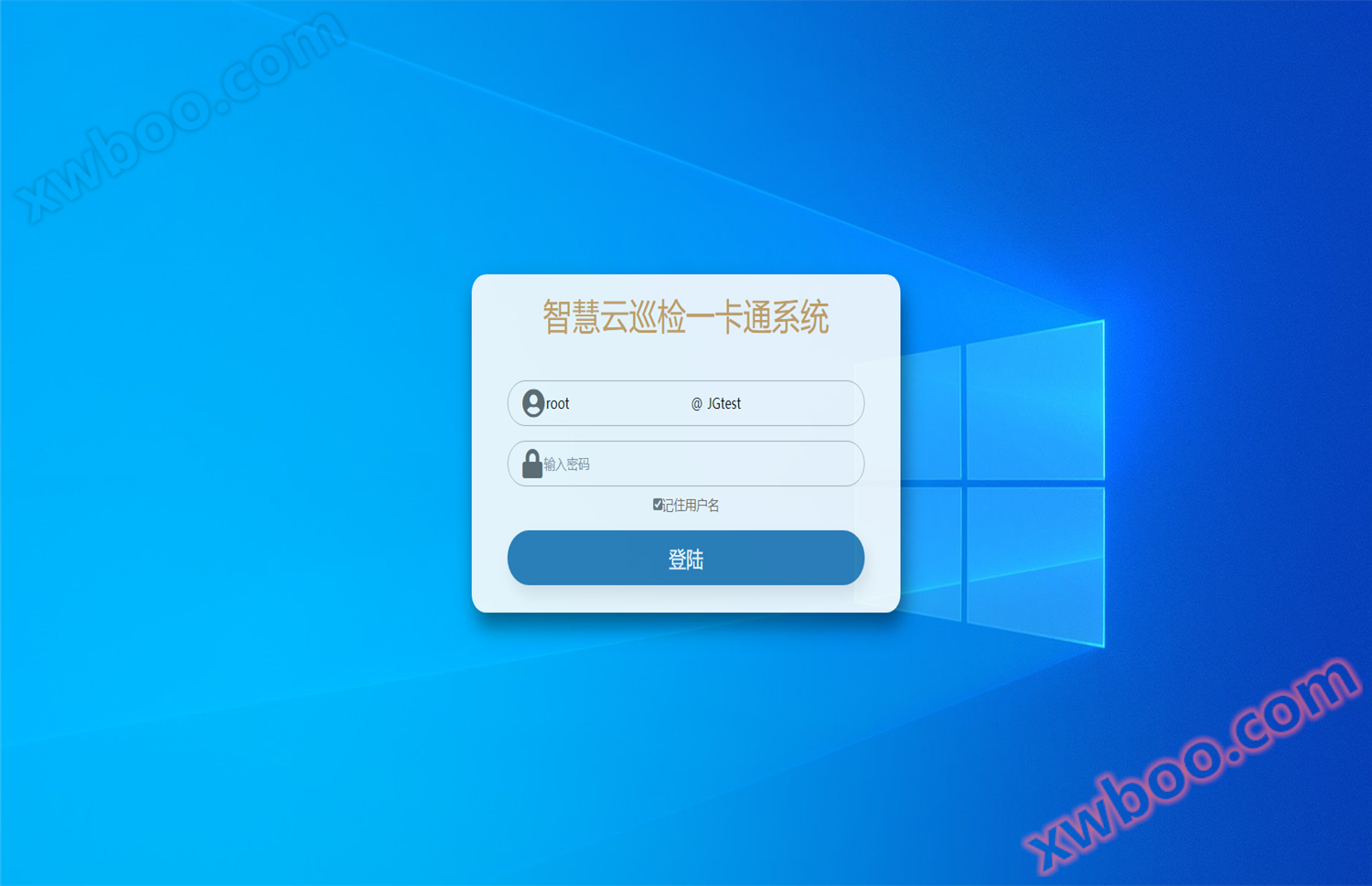
Junjie An Cloud Inspection Card System V1.0
Introduction - Users can log in to the cloud through PC or mobile terminals to query and set up the inspection system, and provide user authorization
Product details

1. Setting up, querying, and downloading communication clients are all operated through the login username and password in the cloud. To avoid risks, the company only provides the administrator's username and password, while others are set by users themselves to increase security.
The client can import newly added inspection points and name recognition buttons through ECXEL, and after import, the backend can perform batch modification and processing, saving the tedious manual input.
Three lines can be set for different routes at a point, and the items and logical values under that inspection point can be attached.
Each line can have multiple plan settings, including scheduled inspections, daily inspections, daily inspections, weekly inspections, weekly inspections, monthly inspections, sampling inspections, temporary plans, etc. The plan can also be temporarily suspended.
Real time monitoring of 5 electronic maps, each inspection point can be marked on the electronic map, displayed in green, yellow, red, and blue: red indicates not inspected; Blue indicates that no GPS coordinates have been inspected or the GPS coordinates do not match the preset coordinates; Yellow indicates that the GPS coordinates match the preset coordinates but the inspection points have not been read; Green indicates that the inspection point was read when the GPS coordinates matched the preset GPS. Place the mouse on it to clearly display the inspection information of the inspection point.
Real time monitoring of 6 GPS maps, opening the GPS map to display the person's walking situation and location coordinates in real time
7-track replay is used to query the situation of the person's path during a certain time period, and can be queried in fast forward mode
8. Diversified queries for original record reports and assessment reports, which can be analyzed and queried by route, personnel, and team.
9-day statistical report (inspected points, non inspected points, GPS inspected points, patrol points, GPS pass rate, point pass rate, GPS+card pass rate), weekly and monthly statistical report (inspected points, non inspected points, GPS inspected points, patrol points, GPS pass rate, point pass rate, GPS+card pass rate), multiple query methods matching
The 10 electronic map query report provides a more intuitive reflection of the inspection situation within the map.
11 department statistics function, which can directly count the number of unfinished inspections and specific line information for easy management
The 12 inspection project chart reflects the trend of various inspection contents under the inspection points in the form of lines, making it easy to quickly locate defect contents.
13 accounts and permissions can be freely assigned by administrators, and this system provides API secondary development interfaces.
Online inquiry
-
Contacts
-
Company
-
Telephone
-
Email
-
WeChat
-
Verification Code
-
Message Content
-